YoroCRM allows you to create targeted campaigns to reach out to your customers effectively. Follow these steps to create a campaign.
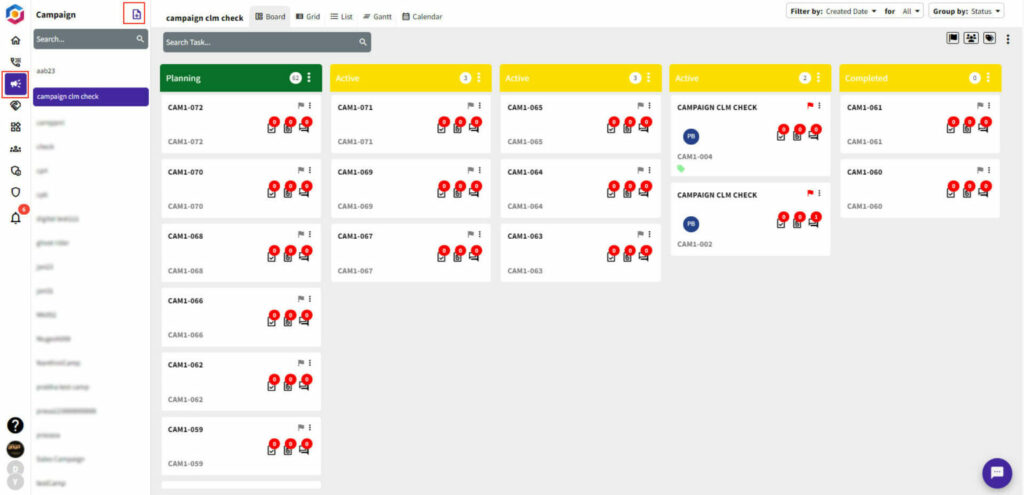
Log in to your YoroCRM account and navigate to the Campaigns module.
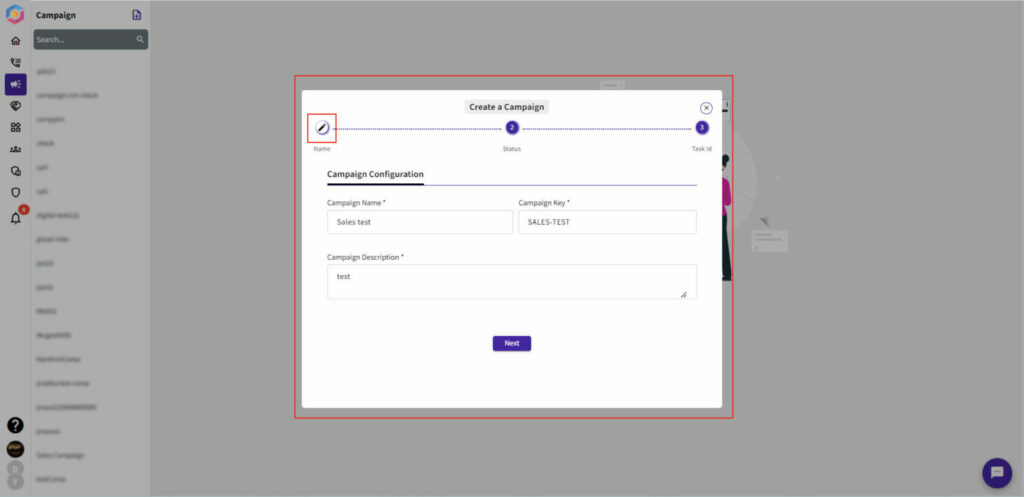
Click on the “Add Campaign” icon in the top left corner of the screen.
Enter a name for your campaign in the “Campaign Name” field with key and description as shown below.
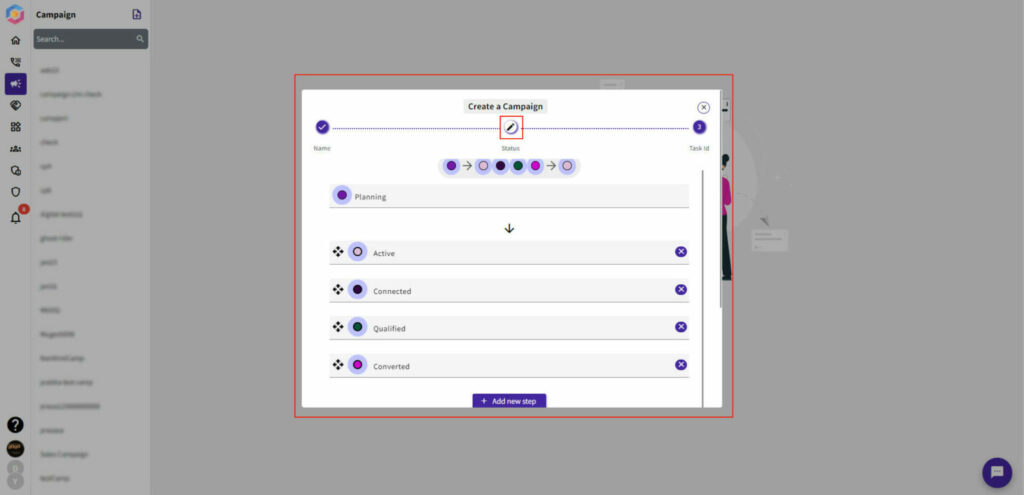
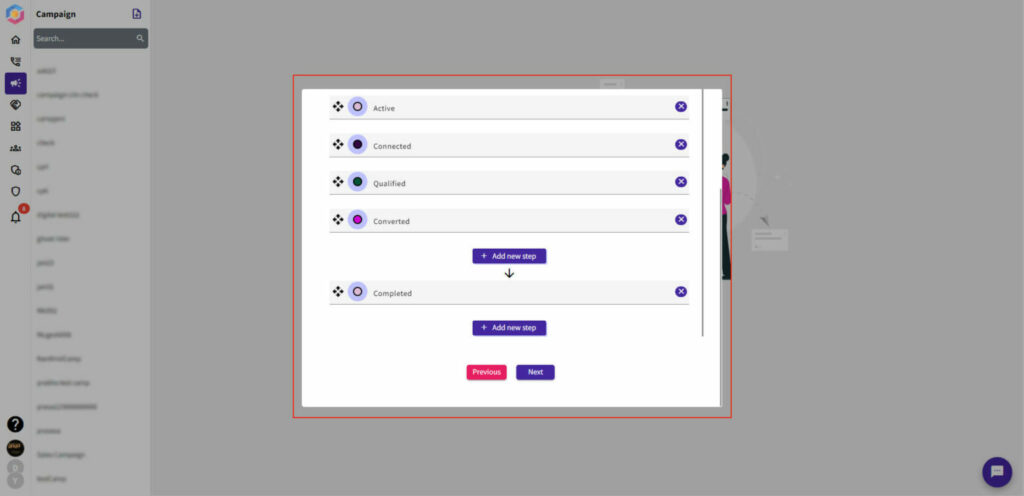
Choose the appropriate template for your campaign and customize it as needed.
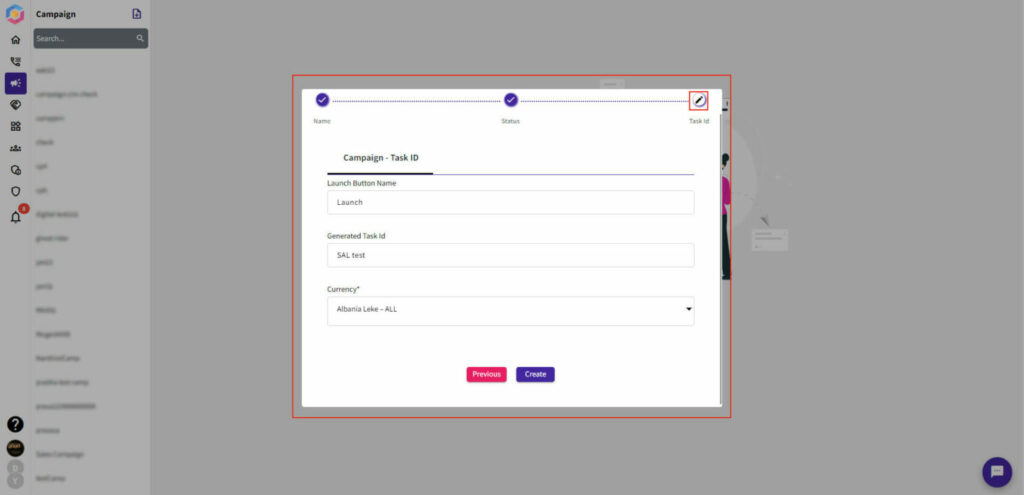
Create and save your campaign.
Once you have completed these steps, your campaign will be ready to go. You can monitor the progress of your campaign and view the results in the Campaigns module.