Ensure that the Yoroflow-ChatGPT integration is activated within your Yoroflow application settings.
Open the desired board where you wish to utilize the Yoroflow-ChatGPT integration.
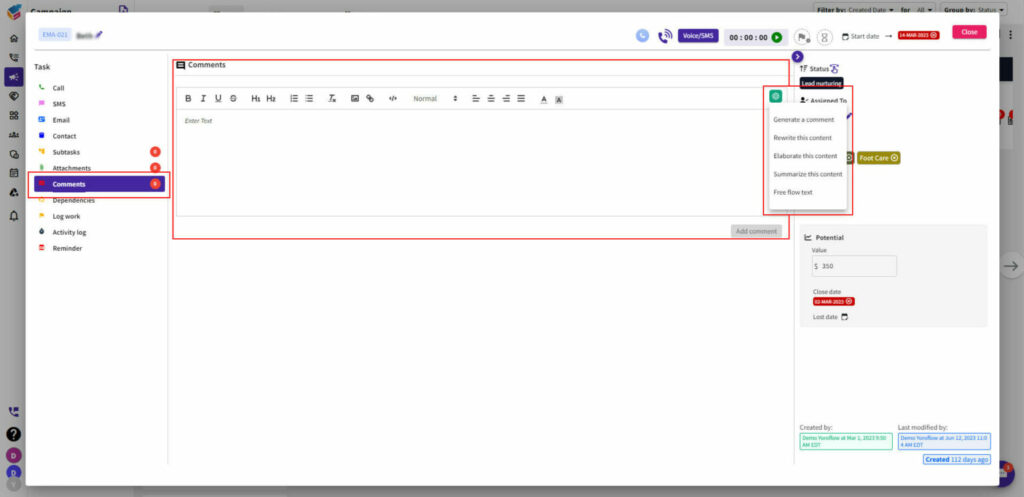
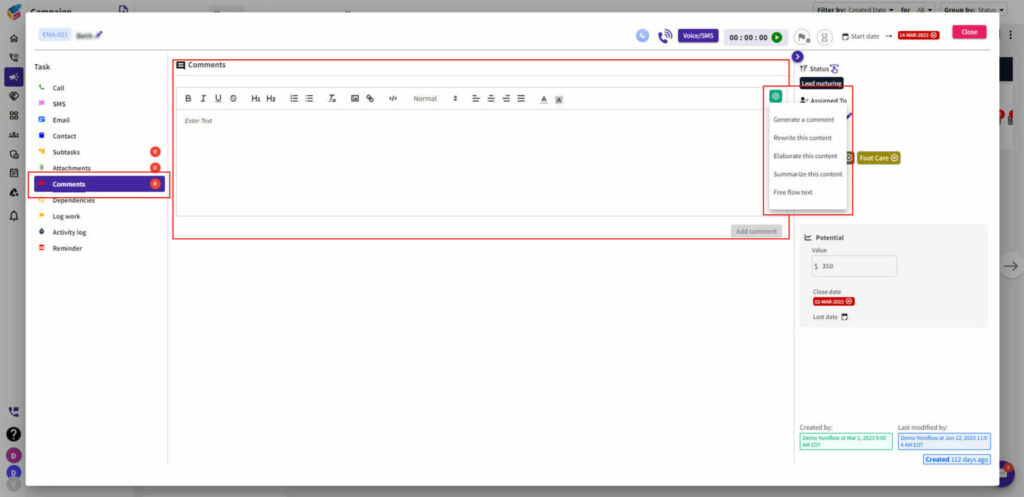
Locate the comment feature within the board interface.
The Yoroflow-ChatGPT integration in the comment feature enables users to leverage the power of advanced language modeling to generate, rewrite, elaborate, summarize, and engage in free-flowing text conversations.
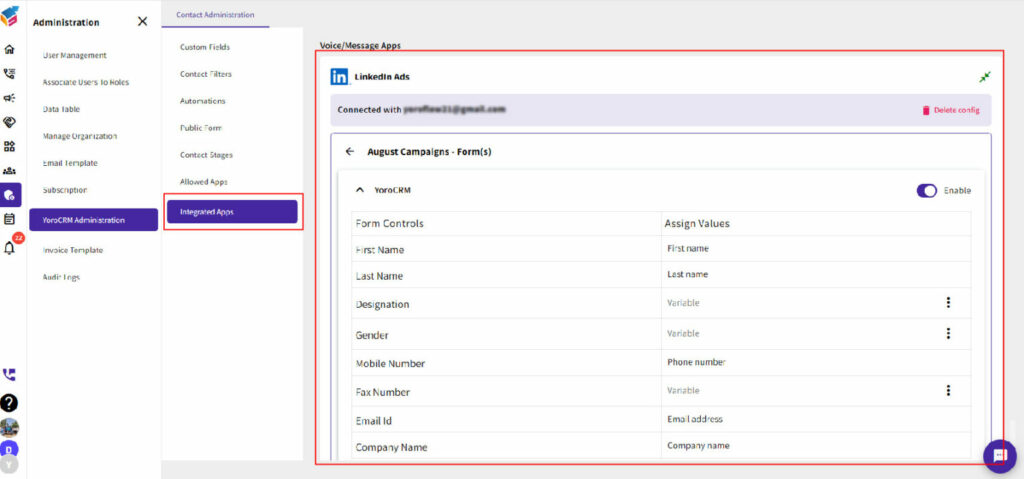
Grant necessary permissions for YoroCRM to access your LinkedIn Ads account.
Sync your LinkedIn Ads campaigns with YoroCRM.
Map your CRM campaigns with the corresponding LinkedIn Ads campaigns.
Track and manage the performance of your LinkedIn Ads campaigns within YoroCRM.
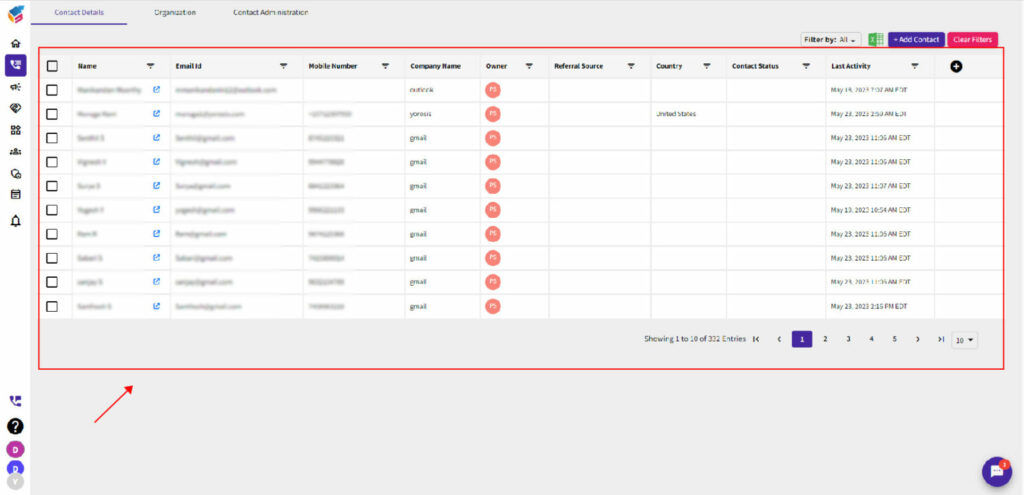
Contacts are automatically generated upon form submission for inquiries.